
Simple scenes.A considered connection.

Use power-line communication for selected lighting and room controls, matched to the installation.

Compare configurations

Experience the space.

Discover the products behind the experience.
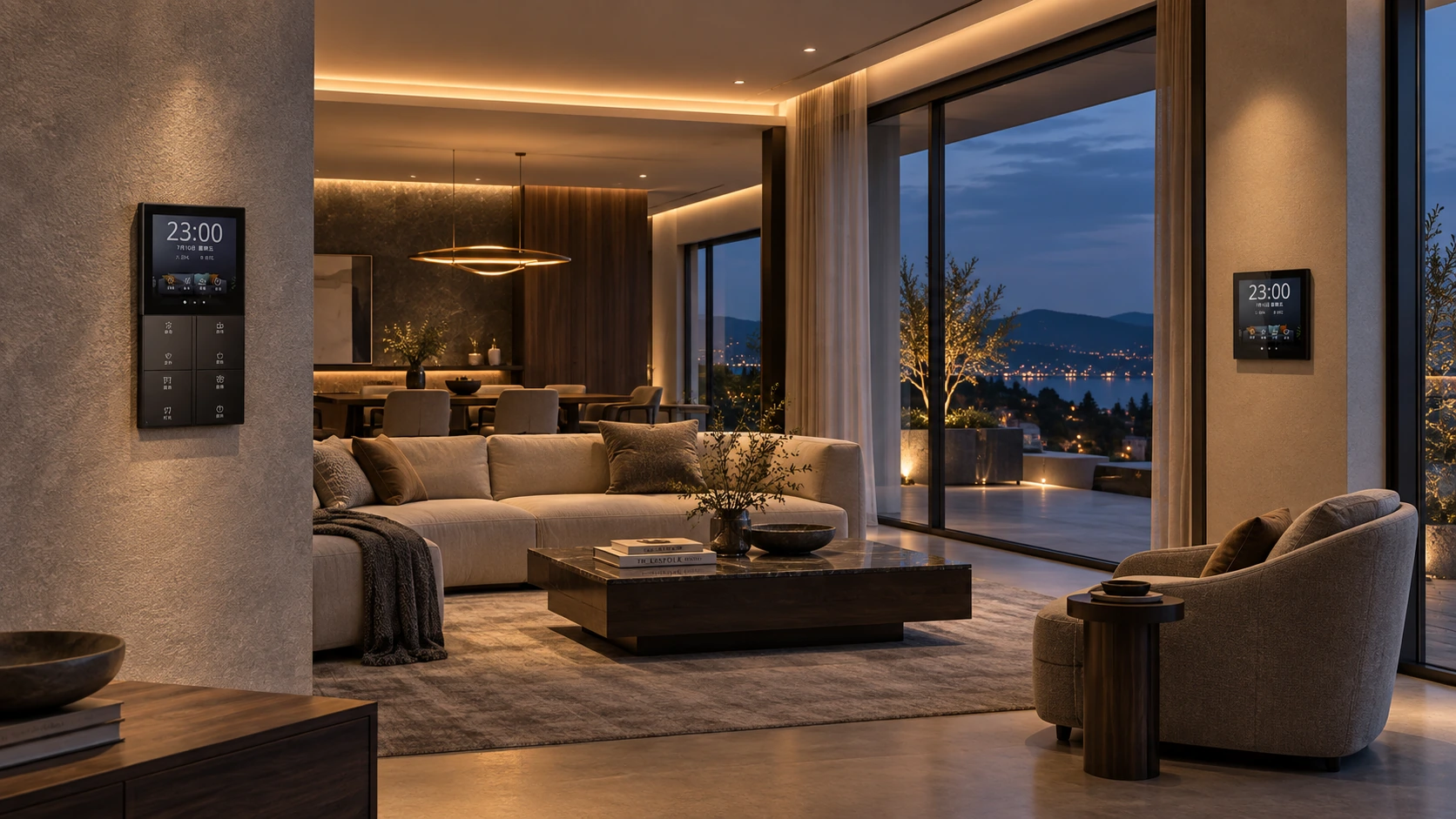
Illustrative residential PLC lighting with wall-mounted LEONDARX product references
Residential & room-control projectsApplication concept

Explore a welcoming lighting mood. Selected lighting, curtain and climate actions can be grouped in the agreed configuration.

Illustrative application scene. Product configuration, functions and final appearance depend on the selected models.

Control at the wall

Give users a direct interface for lighting and configured scenes.

Use the right wiring route

Evaluate power-line communication against the actual circuit conditions.

Prove the lighting

Check lamps, drivers and dimming behavior before a wider rollout.

Bring the lighting together.Keep everyday control clear.

A room-control interface should simplify the actions people repeat.

When each circuit has a separate control, an evening setting becomes a sequence of switches. A large screen helps only if its controls correspond to the room’s actual lighting and functions.

Use the selected PLC panel as the interface to a defined lighting and scene configuration. Start with familiar daily actions and decide which functions belong on direct keys or the touchscreen.

Source product interface examples. Available layouts and functions depend on the selected panel configuration.

Group by use

Separate general, task and accent lighting in the schedule. Define the intended scene before choosing the output hardware.

Choose the interface

Compare the PLC Super Smart Panel with the Pure Screen panel for the required control style and installation location.

Expand deliberately

Treat curtain, temperature and other room functions as selected interfaces. A shared screen does not establish compatibility with every device.

PLC Super Smart PanelPure Screen Intelligent Control Panel

A clear scene schedule ties the user interface to the actual circuits and supported devices.

Work with the wiring.Verify the connection.

PLC carries control signals over electrical wiring; the site still matters.

The attraction of avoiding separate control cabling can obscure the practical questions: which circuits are involved, what loads are connected and whether the chosen devices form a supported system.

Review the electrical layout alongside the room plan. Select controllers, panels and output modules together, then test the proposed configuration against the real lamps and drivers before repeating it.

Original website application illustration. It does not establish a universal wiring layout or inter-device compatibility.

Map the electrical layout

Identify circuits, phases, supply and installation routes. Review the site conditions with the installer rather than relying on floor area alone.

Match the load interface

Distinguish on/off outputs from the required dimming method. Verify operating range and visible lamp behaviour with the chosen driver.

Keep architectures distinct

PLC and S-Bus 485/LoRa are different communication routes. Any bridge or mixed-system arrangement needs separate verification.

Confirm the complete device set against your installation before making an installation-time promise.

Prove one lighting circuit.Then scale the specification.

The quality of a lighting scene is decided at the lamp as well as the panel.

A sample screen can look convincing while the installed lights flicker, fail to dim as intended or retain a faint glow when switched off. Those details need an acceptance test.

Provide the floor plan, circuit count, lamp/driver details and desired control functions. Agree a representative test area with the installer, record the chosen device versions and use the result to finalise the equipment schedule.

Residential planning illustration, not an electrical circuit drawing.

Start with a load schedule

List each circuit, connected lamps and drivers, on/off or dimming requirements and relevant power conditions.

Check the user experience

Verify the selected minimum and maximum levels, switching behaviour and scene transitions. Recheck whenever a driver or load changes.

Record the approved setup

Keep the device list, settings, drawings and local-operation requirements together. Agree training and commissioning responsibilities before rollout.

Share the lighting plan and lamp/driver list to define a configuration that can be tested.

Solution image detail

Start with the lighting you need.

Choose the scope first. We help define the equipment, installation and handover.

01

Everyday switching

Group compatible lighting circuits and define practical room scenes.

Specify the required relay outputs, circuit count and loads.
02

Dimming & comfort

Add selected dimming and room-control functions where interfaces match.

Test the lamp/driver combination. A screen does not establish compatibility.

Make it work
for your market.

For European projects, start with the installation and installer. Keep the customer experience simple.

Fit the installation

Country, wall-box dimensions and depth, supply and neutral availability. Wireless devices still require their specified power and load connections.

Match the equipment

Lighting drivers, dimming method, curtain motor and HVAC interface. Agree compatible models before preconfiguration.

Make handover simple

Room labels, circuit schedule, local controls and commissioning scope. Test a sample area with your installer before rollout.

Technical questions & scope

Does PLC mean no new electrical work?

No. Signals use power wiring, but the electrical layout, phase arrangement, cable condition and chosen controllers must be reviewed. The installation and load connections still require a qualified installer.

Can I mix PLC with S-Bus panels?

Do not assume direct compatibility. PLC and S-Bus 485/LoRa use different communications. Any bridge or mixed-system integration needs a defined, verified configuration.

PLC and S-Bus 485/LoRa are separate architectures. Existing wiring, phases, loads and selected devices require verification. PLC is not a universal plug-and-play or no-electrical-work guarantee.

Catalogues & manuals ↗
01

Prepare

Share a floor plan, country and the functions you need.

02

Prove

Agree the equipment and verify one room or sample area.

03

Deliver

Choose preconfiguration, installer training and commissioning support.

Start with one
well-planned space.

Send your country, floor plan and required functions. We will help define the next step.

Review my lighting plan