
See the visitor.Control the welcome.

A clear path from the entrance station to indoor answering and the selected door-release interface.

Compare configurations

Experience the space.

Discover the products behind the experience.
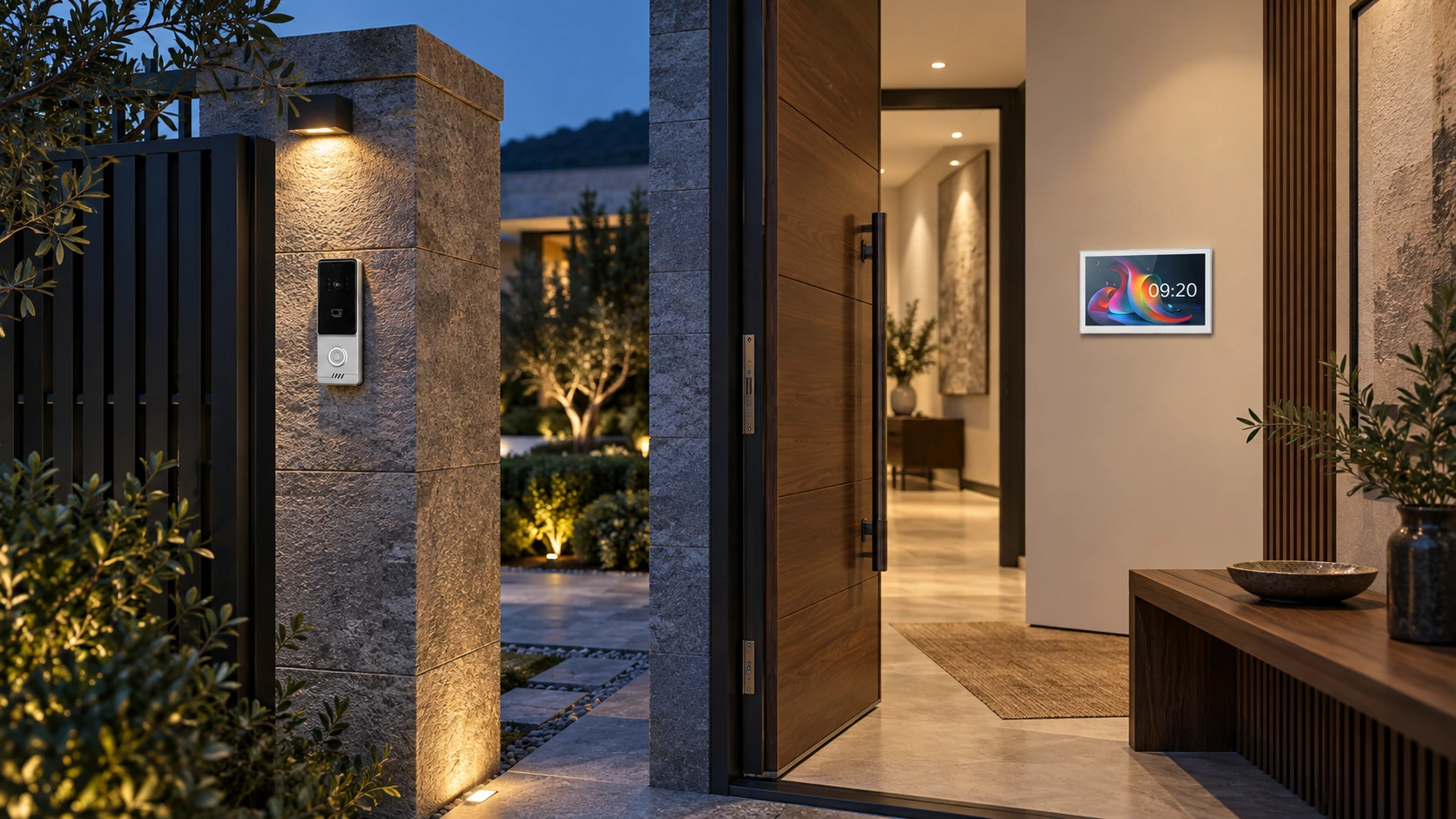
Illustrative villa entrance with wall-mounted LEONDARX product references
Villas & small residential buildingsApplication concept

Locate the entrance station and indoor monitor in a proposed villa installation.

Illustrative application scene. Product configuration, functions and final appearance depend on the selected models.

Answer where it suits

Choose indoor monitor locations around the household.

A defined entrance

Specify the visitor station, power and door-release arrangement together.

Use suitable wiring

Evaluate cable routes and condition before choosing the system.

A visitor at the gate.A clear answer inside.

Design the route from a door call to a deliberate access decision.

A gate, front door and living area can be far apart. Choosing a screen first can leave the household with an inconvenient answering position or an unclear door-release arrangement.

Start with the entrance and the resident’s routine. Select the outdoor station, indoor monitor and lock interface together, with the required calling and remote-access scope defined for the chosen system.

Intercom application illustration. Mobile operation depends on selected hardware, accounts and network.

See and speak

Specify the entrance station and indoor answering requirements around the visitor approach, mounting position and household use.

Choose the answering point

Evaluate the H21 10-inch touchscreen for a clear indoor interface. Confirm the required number and position of monitors.

Control the release

Include the actual door/gate interface and power in the configuration. App access has separate account, permission and network requirements.

H21

One agreed visitor journey connects the entrance hardware, indoor controls and access requirements.

Specify the complete connection.Not just the screen.

Outdoor station, monitor, power and release interface work as a selected set.

Similar screens or the words “two-wire” do not make products interchangeable. A replacement monitor may need a different station or supply, even when the existing cable remains useful.

Compare two-wire, four-wire and IP configurations against the installation. Review the cable condition and topology first, then confirm the exact station/monitor pairing, power arrangement and door interface.

Illustrative product grouping. Confirm the matched devices, power and wiring before selection.

Entrance station

Match call functions, mounting method, outdoor exposure and visitor-access needs to a specific device.

Indoor monitor

Check the supported station connections, number of answering points and required resident controls.

Power and cabling

Review conductor type, route length and topology. Cable reuse is a site decision, not a guarantee implied by the product name.

Ask for a matched equipment list and drawing for the proposed installation.

Fit the entrance.Make the handover practical.

Resolve mounting, answering and ownership before installation starts.

An intercom that fits the specification can still create site work if the wall opening, available power or gate-release requirement was not captured. Remote access also needs a clear account owner.

Send entrance photos, mounting dimensions, cable information and answering locations. Use these to review a system with the installer, then test calling, release and the agreed local/remote behaviour before handover.

Appearance and installation-planning concept. Use the original dimension drawing for all measurements.

Prepare the site information

Record mounting space, surface or flush preference, cable route, available power and the door/gate details.

Test the complete journey

Verify calls at each monitor, speech and video, the selected release action and what remains available when internet access is unavailable.

Hand over ownership

Agree account responsibility, household access permissions, basic operating instructions and support contact details.

Your starting pack: entrance photos, cable information and indoor answering positions.

Solution image detail

Choose around the property.

Choose the scope first. We help define the equipment, installation and handover.

01

A single residence

Start with the entrance, indoor answering positions and door release.

Provide mounting photos and cable routes for the proposed system.
02

Multiple answering points

Define the number of entrances and indoor monitors before choosing hardware.

Confirm capacity and wiring for the exact configuration.

Make it work
for your market.

For European projects, start with the installation and installer. Keep the customer experience simple.

Entrance & mounting

Gate/door type, surface or flush mounting, available space and outdoor exposure.

Cable & power

Cable type, length, topology and condition, plus the required system power.

Answering & access

Monitor locations, mobile calling needs and the door-release interface.

Technical questions & scope

Can the existing two wires be retained?

Possibly, after checking conductor condition, route length, topology and the matched system power requirements. Two-wire does not mean any existing pair is suitable.

Will H21 work with any entrance station?

No universal compatibility is implied. Confirm the monitor, station, power supply and lock interface as a matched configuration.

Two-wire, four-wire and IP configurations are distinct. Cable reuse, remote calling and lock release depend on the matched devices, network, power and installation.

Catalogues & manuals ↗
01

Prepare

Share a floor plan, country and the functions you need.

02

Prove

Agree the equipment and verify one room or sample area.

03

Deliver

Choose preconfiguration, installer training and commissioning support.

Start with one
well-planned space.

Send your country, floor plan and required functions. We will help define the next step.

Plan my entrance system